

Download Jitsi Meet – video conferencing, secure video calls, no account required, screen sharing, meeting recording, encrypted calls
Overview
Jitsi Meet — бесплатный инструмент видеоконференций, разработанный для обеспечения безопасного, приватного и доступного общения для отдельных пользователей и команд. Созданный с учётом конфиденциальности как основного принципа, приложение позволяет пользователям проводить видеозвонки без необходимости создания учётной записи, упрощая процесс начала работы и снижая трение при спонтанных встречах. Оно особенно подходит для профессионалов, преподавателей, удалённых команд и обычных пользователей, которым важна защита данных и простота использования. Программное обеспечение работает на платформе Android и поддерживает совместную работу в реальном времени через такие функции, как совместное использование экрана и запись встреч. Пользователи могут мгновенно инициировать или присоединиться к встрече, создав уникальное название комнаты, которое можно поделиться через мессенджеры или электронную почту. Это делает его идеальным для быстрых проверок, виртуальных классов, обсуждений удалённой работы и неформальных собраний. Разработчик Jitsi позиционирует инструмент как открытый альтернативный вариант основным платформам, подчёркивая прозрачность и контроль пользователя над личными данными. Хотя приложение предназначено для мобильного использования, его функциональность соответствует настольным инструментам видеоконференций, предлагая лёгкое, но мощное решение для современных коммуникационных потребностей.
Key Features & Capabilities
- Secure, encrypted calls – All video and audio transmissions are encrypted by default, ensuring that conversations remain private and protected from unauthorized access.
- No account required – Users can start or join meetings instantly without creating an account, reducing setup time and improving accessibility.
- Screen sharing – Allows participants to share their device screen during a call, useful for presentations, remote assistance, and collaborative work sessions.
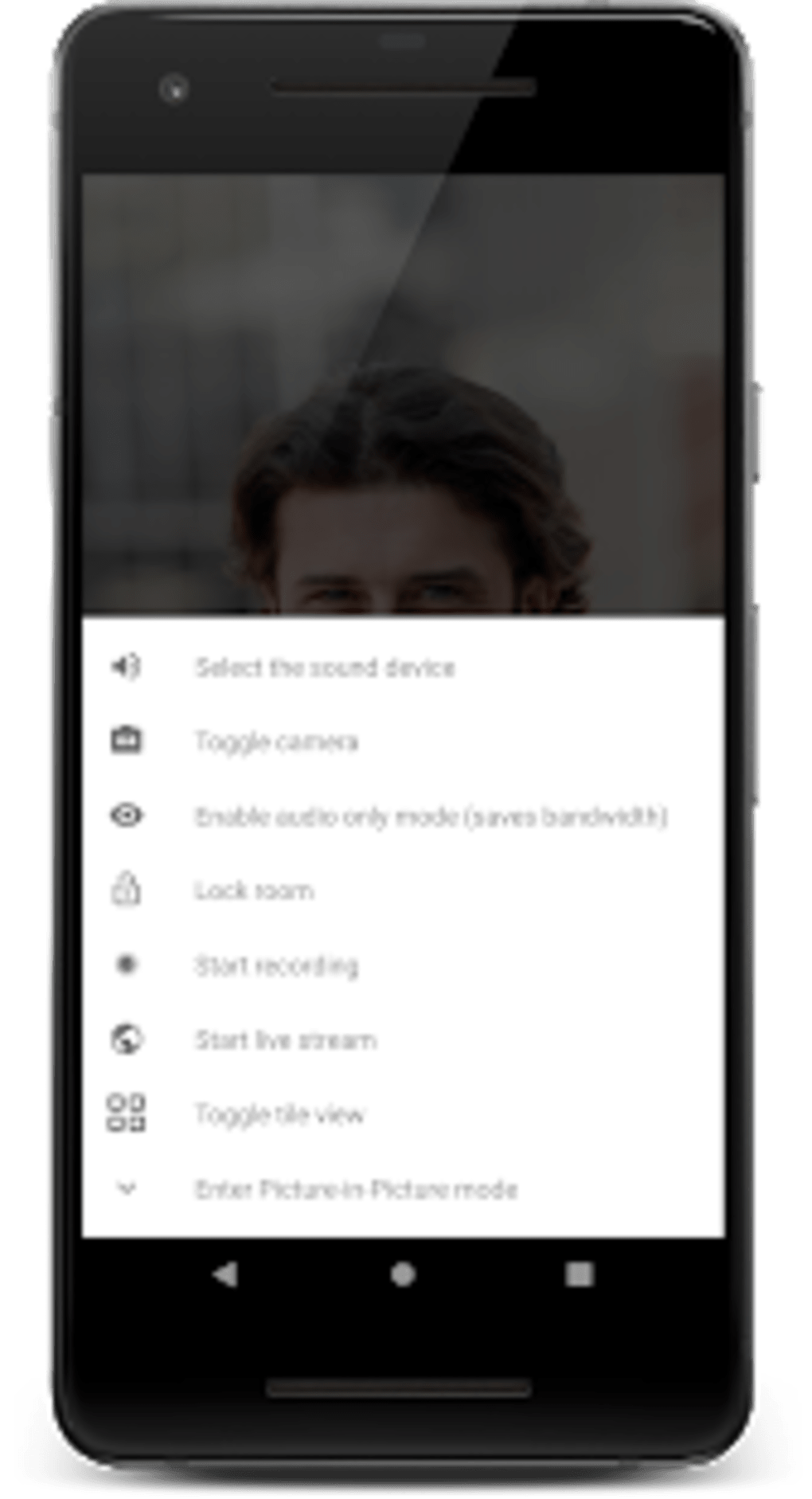
- Meeting recording – Enables users to record meetings directly within the app, with recordings saved locally or exported as needed.
- Room customization – Users can assign passwords to meetings to prevent unauthorized access, enhancing security for sensitive discussions.
- Low bandwidth mode – Optimizes performance for users with limited internet connectivity, ensuring stable audio and video quality under constrained conditions.
- Audio-only mode – Offers the ability to switch to voice-only calls, which is beneficial when data usage or bandwidth is a concern.
These features support a wide range of use cases, from remote team stand-ups and virtual classrooms to client consultations and informal family calls. The ability to share screens without account setup makes it ideal for impromptu collaboration. Recording meetings allows users to revisit discussions or share content with absent participants. The password protection feature adds an extra layer of control for private or professional meetings.
User Interface, Workflow & Performance
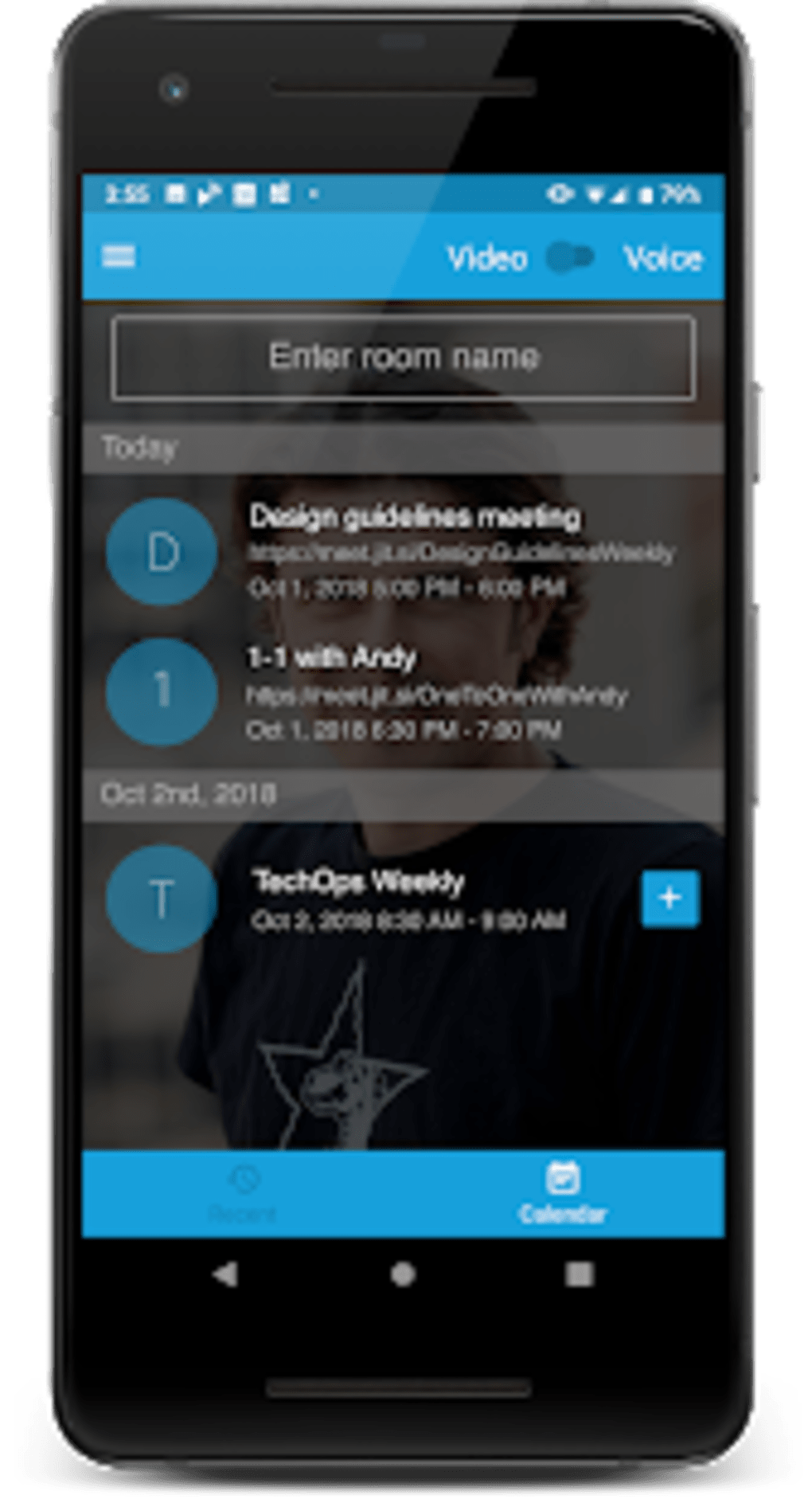
The user interface of Jitsi Meet is clean, minimal, and focused on functionality. Upon launching, users are presented with a straightforward screen to enter a room name or join an existing one. Navigation is intuitive, with clearly labeled buttons for essential actions such as screen sharing, muting audio, and ending the call.
The workflow is streamlined: create a room, share the link, and start the meeting—no registration or complex configurations required. The app maintains a consistent layout across different screen sizes, ensuring usability on various Android devices. While the developer did not specify resource usage details, the application is designed to operate efficiently on modern Android devices.
Performance observations are based on general software behavior patterns, indicating stable operation under typical usage. The app handles multiple participants with reasonable responsiveness, though some users may experience audio delays or connectivity issues during high-traffic sessions. Stability appears to be consistent during standard use, but real-world performance may vary depending on network conditions and device hardware.
Compatibility & System Requirements
Jitsi Meet is compatible with Android operating systems, supporting the latest versions of the platform. The current version, 2024.11.0, has a file size of 105.4 MB, which is moderate for a feature-rich communication app. The developer did not provide additional system requirements, such as minimum RAM or processor specifications.
Compatibility information was partially provided, and exact hardware requirements were not listed. Users should ensure their Android device meets the general standards for running modern applications, including a stable internet connection and up-to-date system software. The app is optimized for mobile use, making it suitable for smartphones and tablets.
Installation is straightforward, and the app integrates smoothly with standard Android features such as messaging and browser sharing.
Pros and Cons
Pros
- Free to use with no hidden costs
- End-to-end encryption for all calls
- No account required for participation
- Supports screen sharing and meeting recording
- Low bandwidth mode for limited connectivity
- Available as a lightweight APK for direct installation
Cons
- Audio delays reported during large meetings
- Occasional connectivity issues on unstable networks
- Limited customization options for the interface
- Recording storage is local; no cloud integration mentioned
- No built-in chat feature for text-based communication
FAQ Section
Is Jitsi Meet safe to use?
Yes, Jitsi Meet encrypts all video and audio calls by default, ensuring secure communication. The app does not store user data or recordings unless explicitly saved by the user.
Can I use Jitsi Meet without creating an account?
Yes, one of the key advantages of Jitsi Meet is that users can join or start a meeting without creating an account.
Does Jitsi Meet support screen sharing?
Yes, screen sharing is fully supported, allowing users to share their device screen during a call for presentations or collaborative work.
How do I record a meeting in Jitsi Meet?
Users can start recording directly from the meeting interface. The recording is saved locally on the device unless an external storage method is used.
Is Jitsi Meet available for offline use?
No, Jitsi Meet requires an active internet connection to function, as it relies on real-time data transmission for video and audio calls.
Final Thoughts
Jitsi Meet stands out as a reliable, privacy-focused alternative to mainstream video conferencing platforms. Its ability to deliver secure, encrypted calls without requiring account registration makes it ideal for users who value simplicity and data protection. The inclusion of screen sharing, recording, and low bandwidth mode enhances its utility across various scenarios.
While minor performance issues such as audio delay and connectivity hiccups may occur during large sessions, the app remains functional and effective for most use cases. For professionals, educators, and remote teams seeking a free, no-frills communication tool, Jitsi Meet offers a compelling solution. Its open-source nature and strong security posture further reinforce its credibility.
Download Jitsi Meet now to experience secure, seamless video conferencing on your Android device.






.png)
